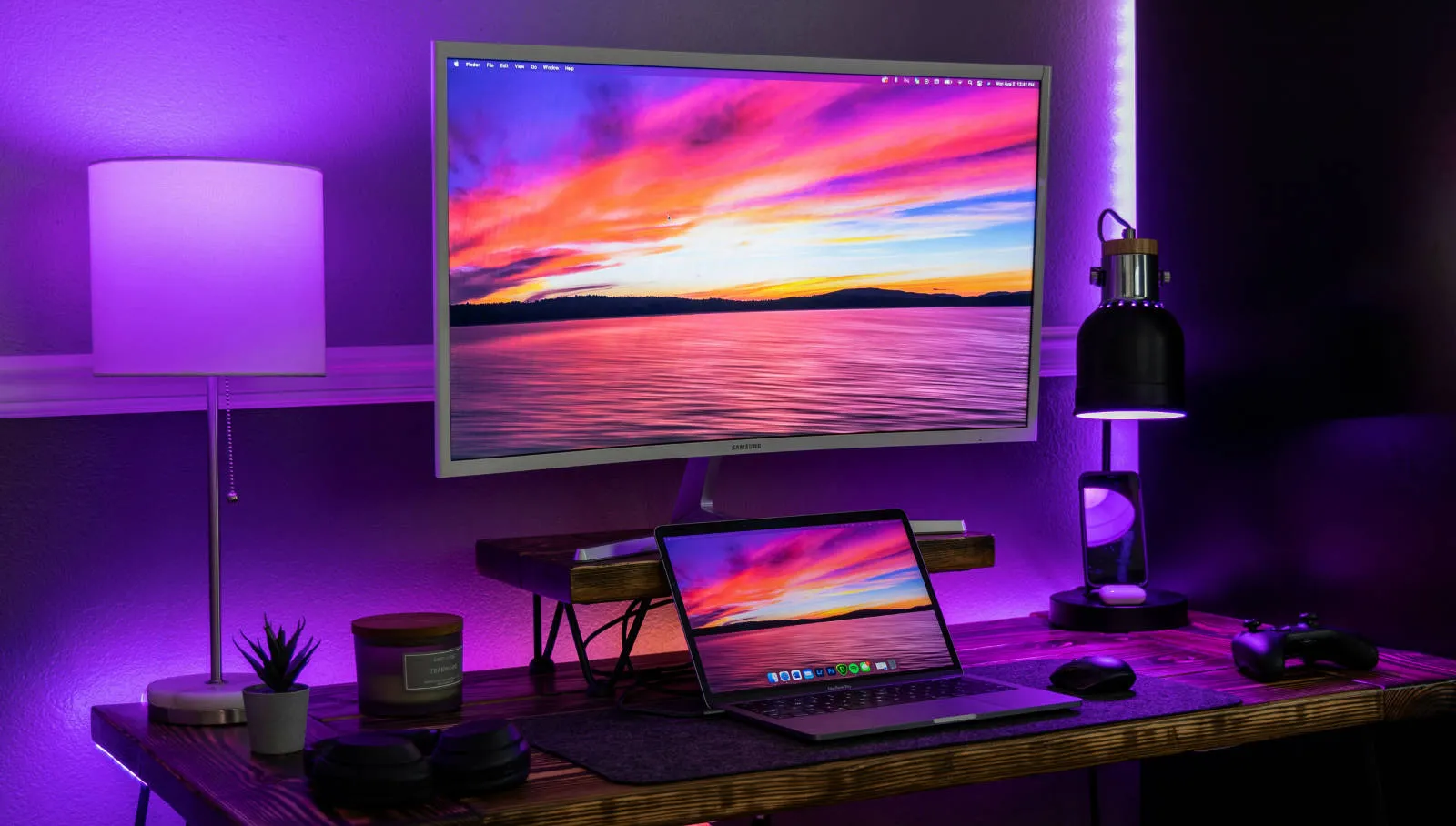
While working with the Codex extension in VS Code, I noticed a recurring habit: I would start a complex task and then immediately look away from the screen. Whether I was grabbing a coffee or reading documentation, I found myself tethered to the screen just to see when the agent was done. I wanted a way to “feel” the completion without having to watch the progress bar.
Since I already have Philips Hue lights on my desk, the solution was obvious: when Codex finishes a task, my desk lamp should flash. No intrusive notifications, no extra app windows—just a subtle, physical signal in the room that tells me it’s time to head back to the terminal.
The Goal: Ambient Feedback for AI
This project is a small exercise in ambient feedback. By connecting the Codex notify hook to a local PowerShell script, I turned my desk lamp into a dedicated AI status indicator. It’s a tiny bit of automation that makes the workspace feel more reactive and interactive, moving the feedback loop off the screen and into the physical environment.
My Philips Hue desk lamp flashing when Codex finishes a task.
What happens
The idea is very simple.
When Codex finishes a turn in the VS Code sidebar, it triggers a small local script. That script talks to the Philips Hue Bridge on my network and tells one of my desk lamps to flash red three times.
The whole flow looks like this:
Codex finishes a turn
↓
Codex notify hook
↓
Local script
↓
Hue Bridge API
↓
Desk lamp flashes
It’s a tiny bit of automation, but surprisingly satisfying in practice.
Why I like this project
This project is obviously unnecessary in the best possible way.
But it combines a few things I really enjoy working with:
- developer tooling
- local automation
- small scripting projects
- smart home hardware
- making the workspace feel more interactive
And it shows how small integrations can make everyday tools feel a bit more personal.
There’s no cloud service involved, no custom extension, and no complicated infrastructure. Just a simple script reacting to a tool I already use.
Possible upgrades
Right now Codex only exposes a single notification event (agent-turn-complete).
That means the lamp can currently react only when a turn finishes.
If additional event hooks become available in the future, this could become much more expressive. For example:
- green flashes for successful completions
- red flashes for errors
- a different color while Codex is thinking
- triggering multiple lamps at once
- restoring the previous lamp state after flashing
For now though, the simple version already does exactly what I wanted.
Codex finishes a task, and my desk lamp tells me.
Repository
The full implementation, including the script and setup instructions, is available on GitHub:
👉 View the Codex Hue Notifier on GitHub
Final result
The best part is that the feedback is ambient. I do not need another notification sound, badge, or popup. The light changes in the room, I notice it, and I can decide whether to return to the task. That makes the automation feel calmer than another screen-level alert.
It also keeps the integration easy to reason about. Codex emits a completion event, PowerShell runs a local script, the Hue Bridge receives a request, and the lamp flashes. Each piece is replaceable. I could swap the light, adjust the colors, or trigger a different local action without changing the whole workflow.
That is exactly the kind of small, local automation I like: visible, reversible, and easy to understand when something needs changing later.
The same pattern could work for other local signals too: a keyboard LED, a desktop notification, a sound, or a webhook into another personal tool. The important part is keeping the trigger narrow and the response obvious.
A tiny script and one configuration line were enough to turn Codex into something that doesn’t just work on screen, but also reacts in the room around me.
Probably unnecessary.
But also very satisfying.