
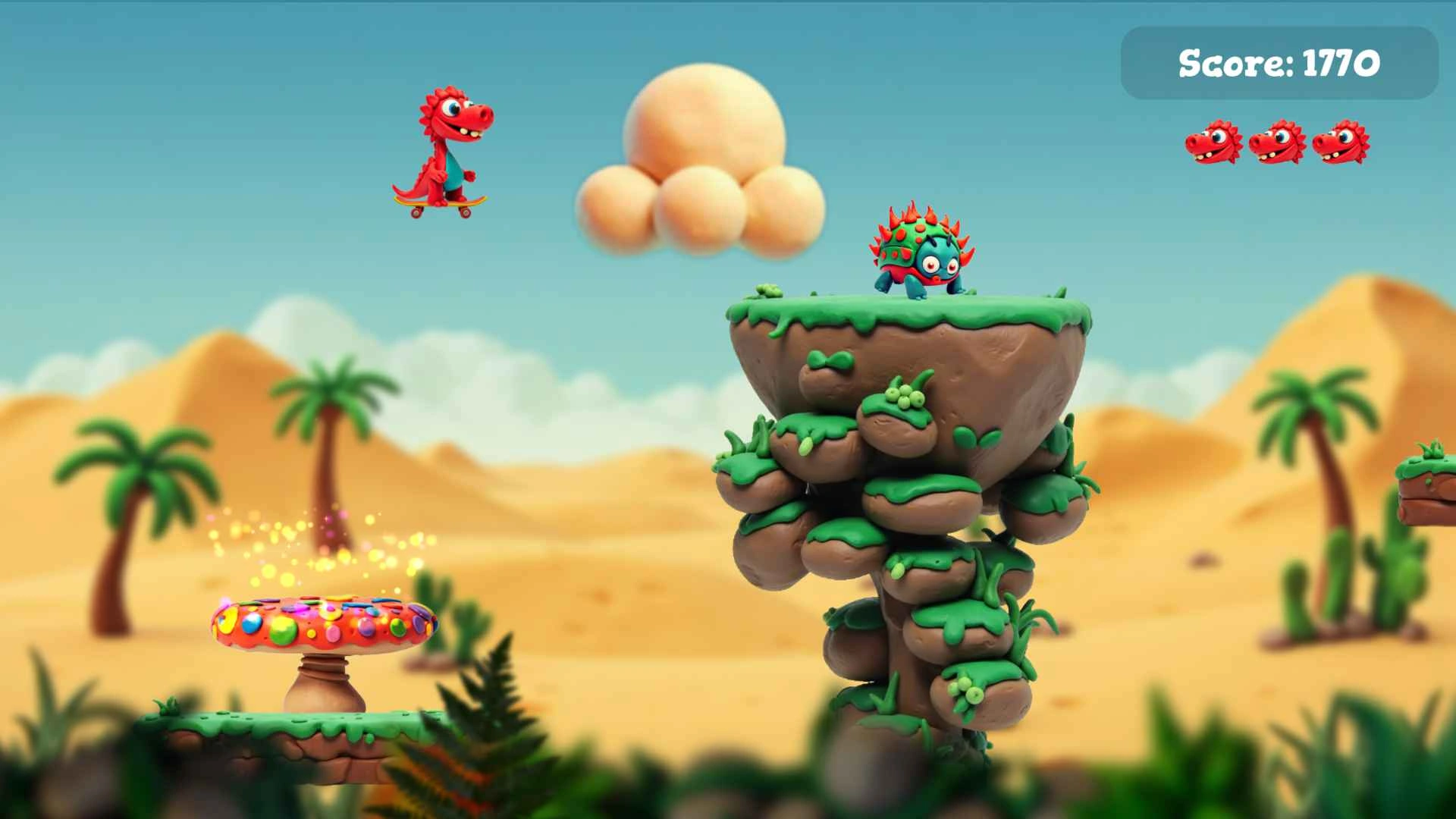
Jurassic Jump is a dinosaur platformer. It started as a JavaScript exercise where I wrote gravity and collision myself, then moved to Godot when I realised I was building an engine instead of a game.
Moving to Godot
Writing a physics loop taught me plenty, but it was not helping the game. Godot gave me scenes, collisions, animation, and easier level editing, so I could spend time on the actual feel of it.
The hard part was the familiar platformer stuff: jump height, acceleration, collision edges, camera framing, and level spacing. None of it is flashy, but it is why a platformer feels good or bad.
The claymation constraint
I went for claymation-style sprites and layered parallax backgrounds. That look needed slower, clearer movement than a twitchy platformer, otherwise the art and controls fought each other.
Where it stands
This is a learning project, not a commercial platformer. It got me from a prototype to a browser-playable game. Next time I would lock down movement and level progression before making too many visual assets.